
Golf course opening, closing, and operations checklists
Give department tasks an owner and a completion record so supervisors can follow daily work and exceptions.
The next shift needs to know what was done, what was missed, and what needs attention. Department checklists and maintenance task boards keep that handoff connected to the crew’s daily work.
Request a course demo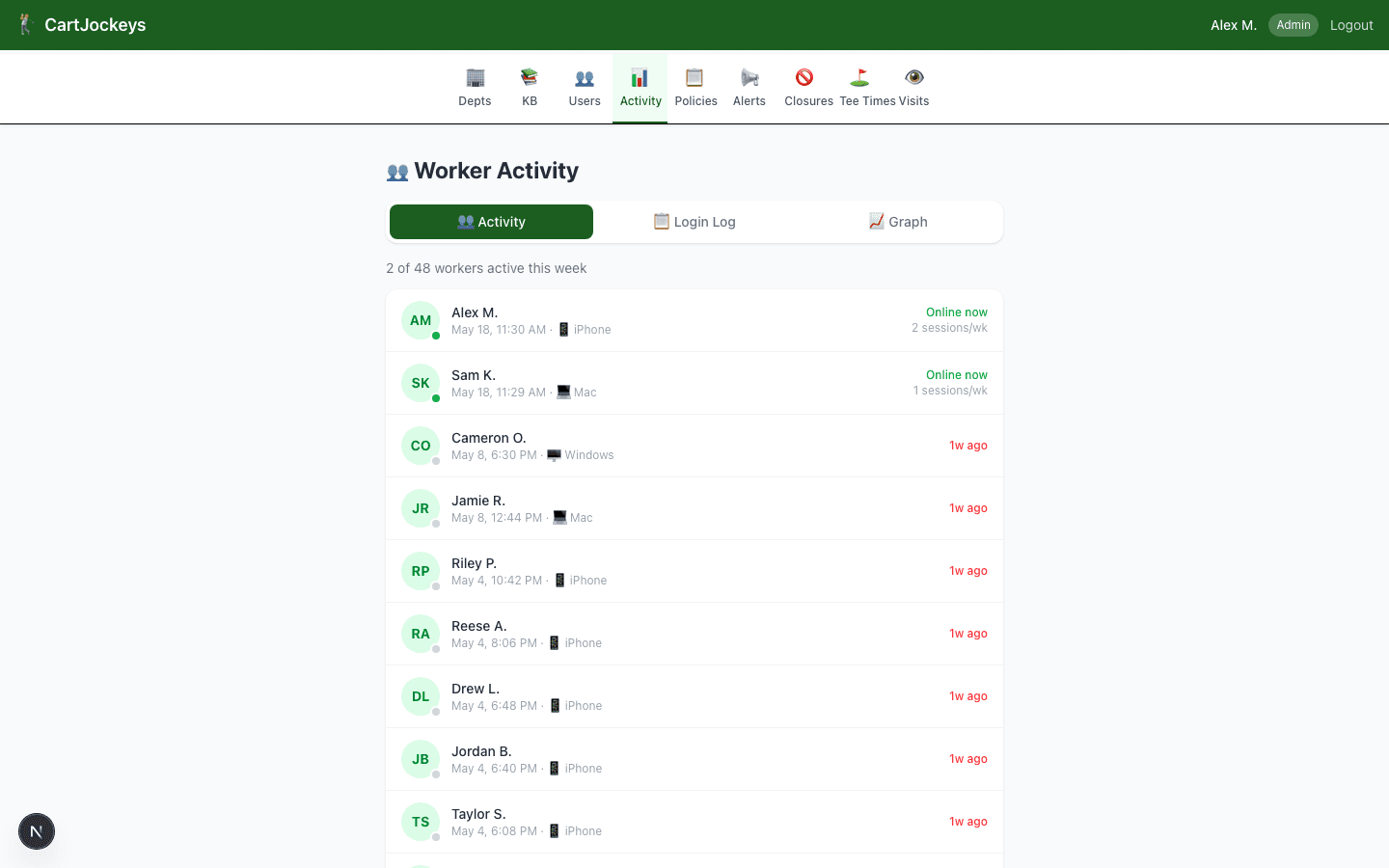
How the workflow fits together
Step 1
Define the work
Set up department opening and closing tasks based on the procedures your course actually uses.
Step 2
Record completion
Workers complete checklist items from their phone. Time-stamped records help supervisors follow who completed the work and when.
Step 3
Follow up on exceptions
Use maintenance tasks for equipment issues and recurring work. Review the activity record to understand the handoff between shifts.
Questions course managers ask
Does a checked box prove a task was done correctly?
A completion record supports accountability, but it does not replace training or supervisor checks. Define what complete means for each task.
Can different departments use different tasks?
Yes. Department checklists let opening and closing work reflect the needs of carts, pro shop, range, grounds, and maintenance.
Where should we start?
Choose one department and one opening or closing checklist. Try it with the people who do the work, then adjust unclear or duplicated steps.
Try the process before changing your tools
Start with an editable worksheet, read the practical guide, or bring your course’s questions to a walkthrough.