
Golf course staff scheduling software
Bring worker availability and department shifts into one schedule for carts, pro shop, range, grounds, and maintenance.
Your tee sheet changes, school starts, and the weekend tournament needs extra coverage. A useful staff schedule begins with those constraints, then gives everyone one current version to follow.
Request a course demo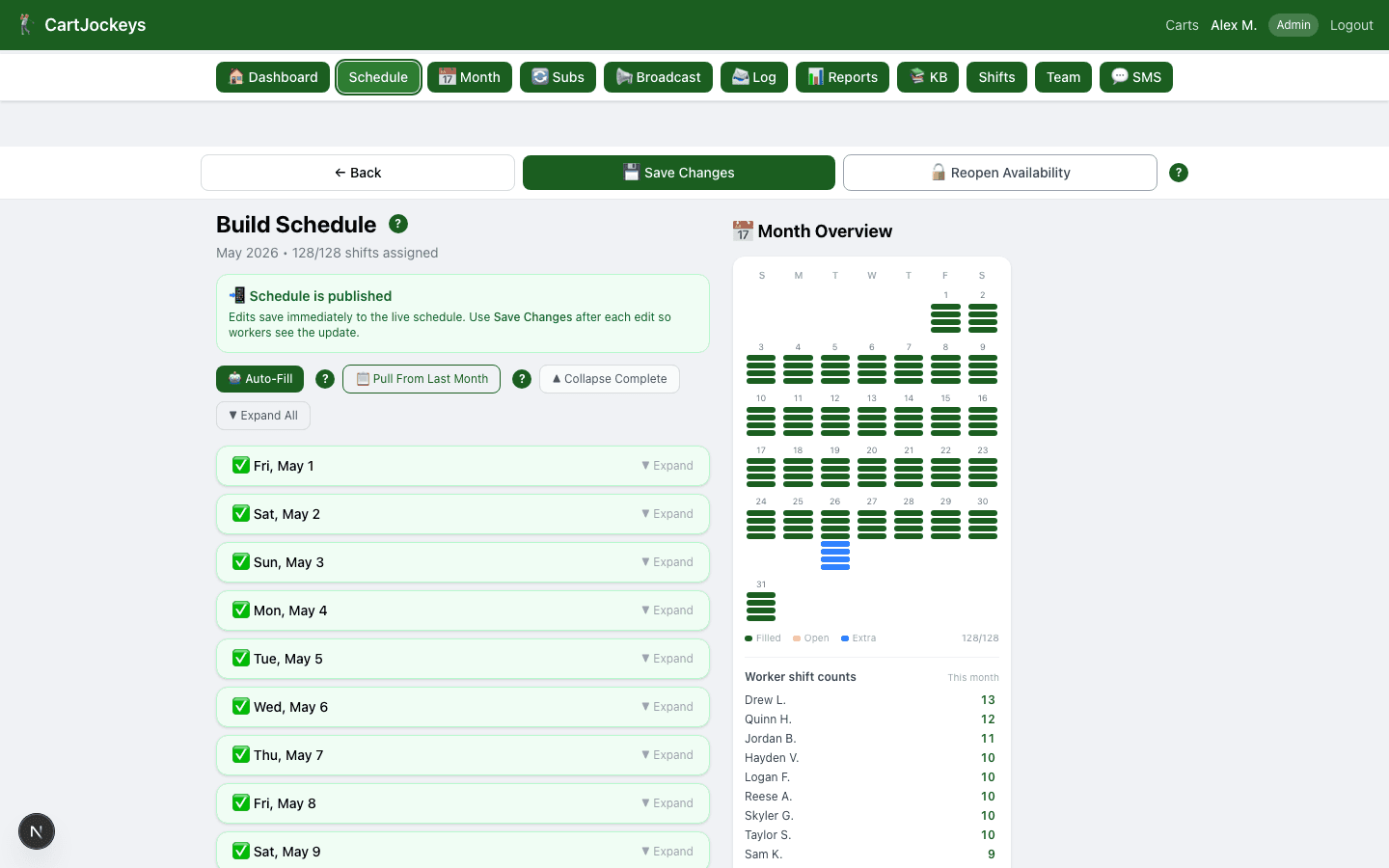
How the workflow fits together
Step 1
Collect availability
Workers use their private mobile link to mark when they can work. The manager can build around submitted availability instead of searching a group text.
Step 2
Build by department
Set the shifts your operation needs and assign workers in the schedule builder. Known unavailable workers are filtered out when assigning shifts.
Step 3
Publish and communicate
Publish the schedule and use shift reminders and department broadcasts to keep the crew informed. Keep later changes in the same system.
Questions course managers ask
Do workers need to install an app?
The worker workflow works in a phone browser through a private link. An app download is not required for that workflow.
Can we keep separate department schedules?
CartJockeys organizes schedules by department, so carts, pro shop, range, grounds, and maintenance can have their own coverage.
What should we bring to a demo?
Bring your department list, a typical week of shifts, and your current availability process. Use anonymized examples to discuss how your course would get started.
Try the process before changing your tools
Start with an editable worksheet, read the practical guide, or bring your course’s questions to a walkthrough.